Automations. The reminders and copy‑paste jobs, done for you.
An automation is a small set of steps that runs when something happens.

Is it a fit? Straight answer, both ways.
An automation is a small set of steps that runs when something happens. A form comes in, a date gets close, a status changes. It sends the email or moves the data so nobody has to remember.
Built for
- Teams copying the same details from one tool into another
- Anyone who sends the same reminder emails every week
- Offices that want a heads-up before a deadline, renewal or certificate date slips by
Not for
- Moving money: payments, payroll or bank transfers
- Bulk email to people who didn't ask for it
- Making decisions a person should make, like approving a new supplier
Typical builds. And what each replaces.

Example for Contractors
Reminders to subs 30, 60 and 90 days before a license or policy runs out
Replaces: Someone checking dates by hand

Example for Accounting and tax firms
Reminders to clients about missing documents, before each deadline
Replaces: Chasing by phone and email

Example for Professional services
Follow-ups on proposals that haven't had a reply
Replaces: A note to check back next week
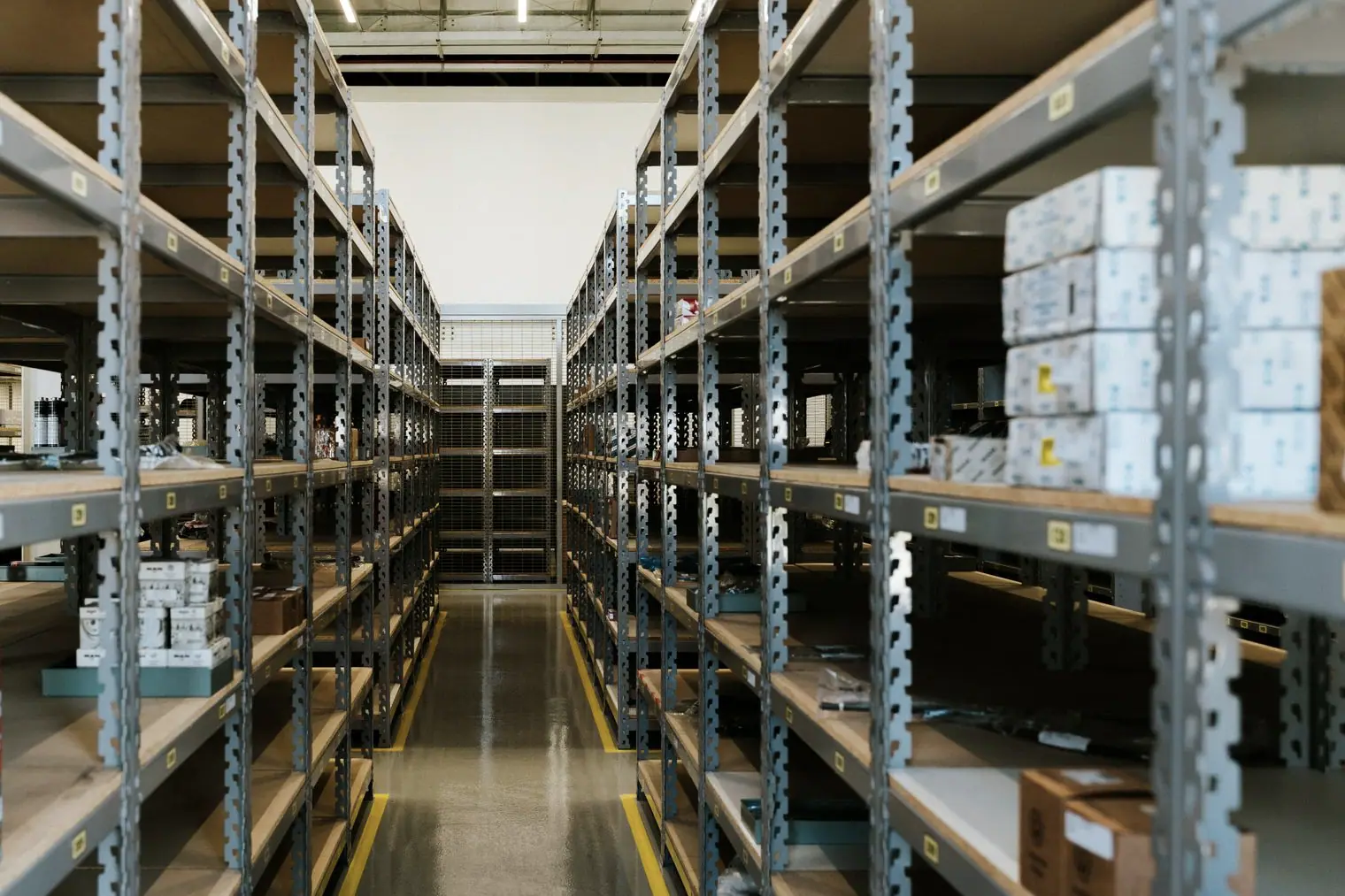
Example for Manufacturers and wholesalers
Reorder alerts when stock runs low
Replaces: Someone walking the shelves with a clipboard
Bring the reminder you send by hand. We'll show you how it could send itself.
Most first projects start with a working pilot.
Enquire